
How to manually change the order of articles on the homepage |
 |
Featured articles on the homepage are usually sorted with the most recently published at the top
But what if you want to force an older article above newer ones?
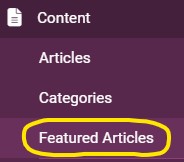
1. Select Content > Featured Articles in the left-hand panel here...
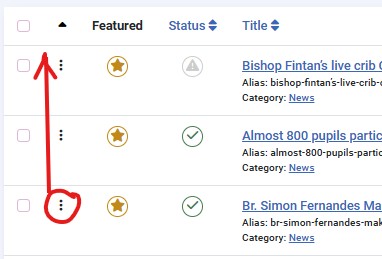
2. Click on the Up/Down arrows in the header here...

This should now change to Up (Ascending) only like this...

3. You can now click on the three dots and drag an article up or down to change the order here...
Tip: Always refresh and check the results on the homepage