
How to take a good photo for the website |
 |
Priests and Deacons are public figures and it enhances a website to provide a good image so the clergy can be instantly recognised.
Here are some tips for taking a good photo with a smartphone.
What to wear
It's up to the priest to decide what to wear. If it is for a formal website like the diocese, a photo in the priest's vestments is advised. However, if it is for a website where the priest wishes to be less formal or approachable, casual clothing with or without the clerical collar might work better.
Lighting
- Normal even daylight is recommended
- Avoid direct sunlight - a soft overcast cloud is best
- Have the subject face the light of a window
- Seat the subject facing slightly away and then slightly look over the shoulder at your phone
- Seat the subject away from a plain wall behind to avoid shadow
- The photographer should have their back to the wall with the window (but not casting a shadow over the subject)
- Switch off flash
Here's a birds-eye view...
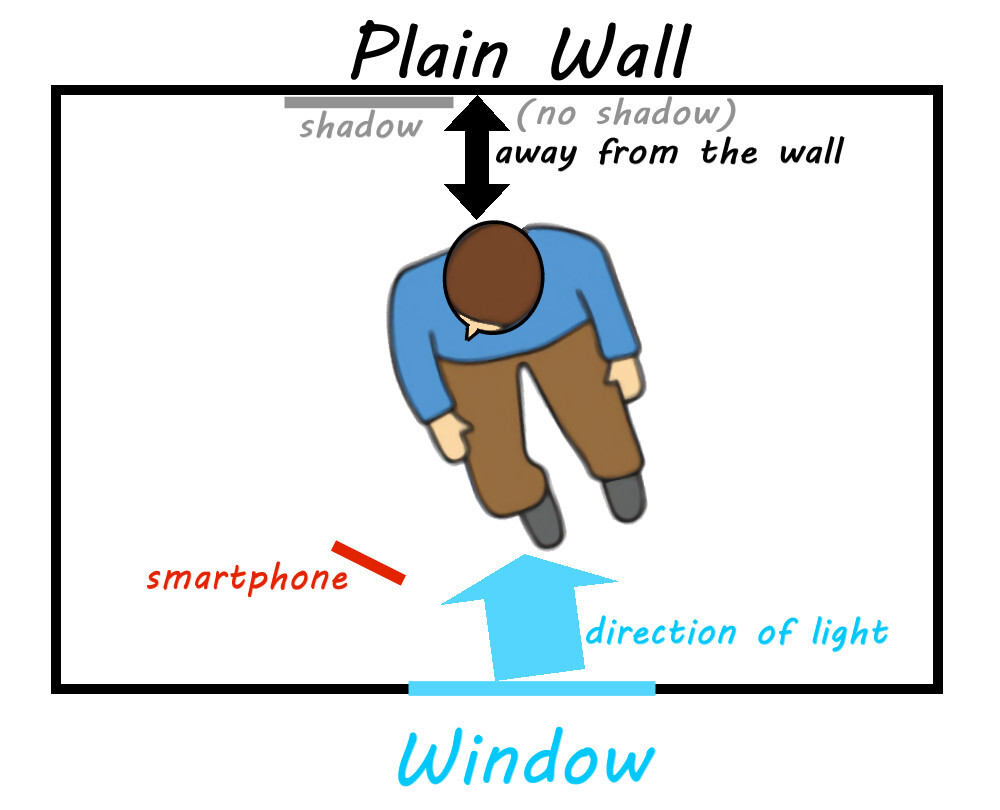 Bird-eye view of position
Select Portrait mode on your smartphone camera
Hold the phone...

and...
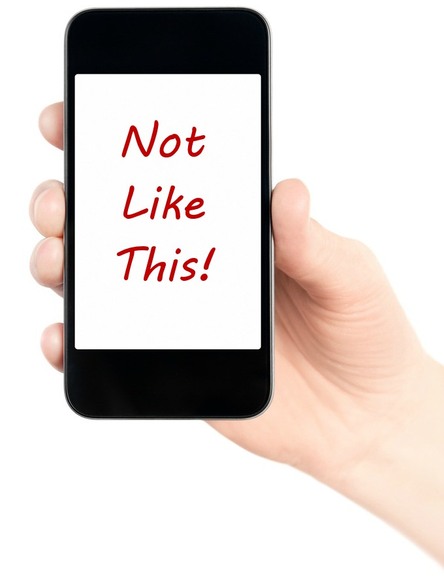
Tap the face of your subject on the phone screen (to ensure sharp focus) and take the photo.
Tip: Take a few in case the subject blinks or pulls a strange face.
Here's an example of what you are aiming for...
 Example Photo